

- About
- What’s new
- Guidelines
- Changelog
- Game Maker Documentation

Game Maker 0.10
Guidelines for creators
Multiplayer
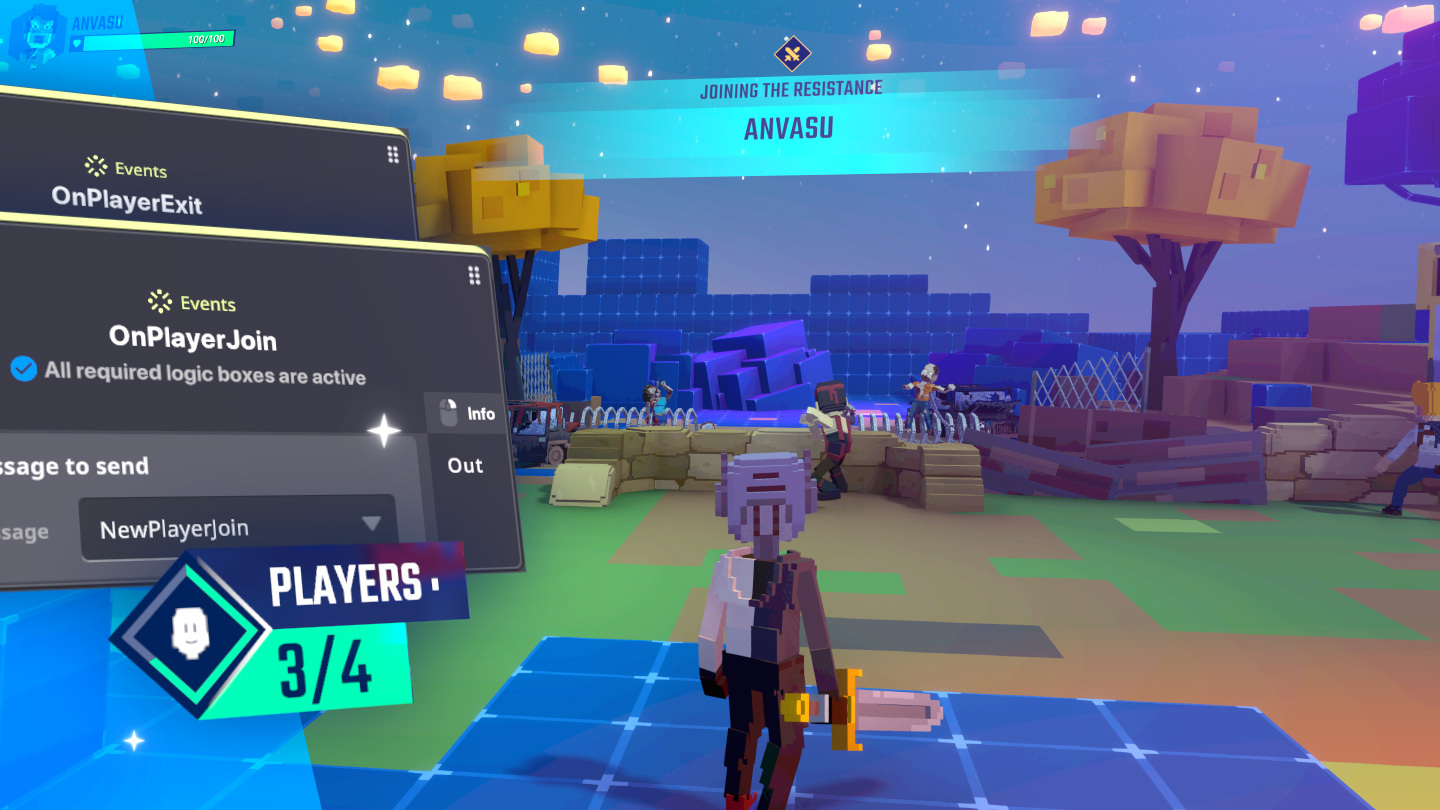
Multiplayer functionality is an exciting part of building an experience, but it does come with an added layer of complexity. As soon as more participants are involved, it introduces extra ‘layers’ to consider when deciding how players interact.
This is because MP Behaviours and Components can’t send messages to, or receive messages from, SP Behaviours and Components in multiplayer experiences.
✴️ To emulate how messages will communicate in a multiplayer experience inside edit mode, toggle the singleplayer-multiplayer button at the top right.
Synchronized
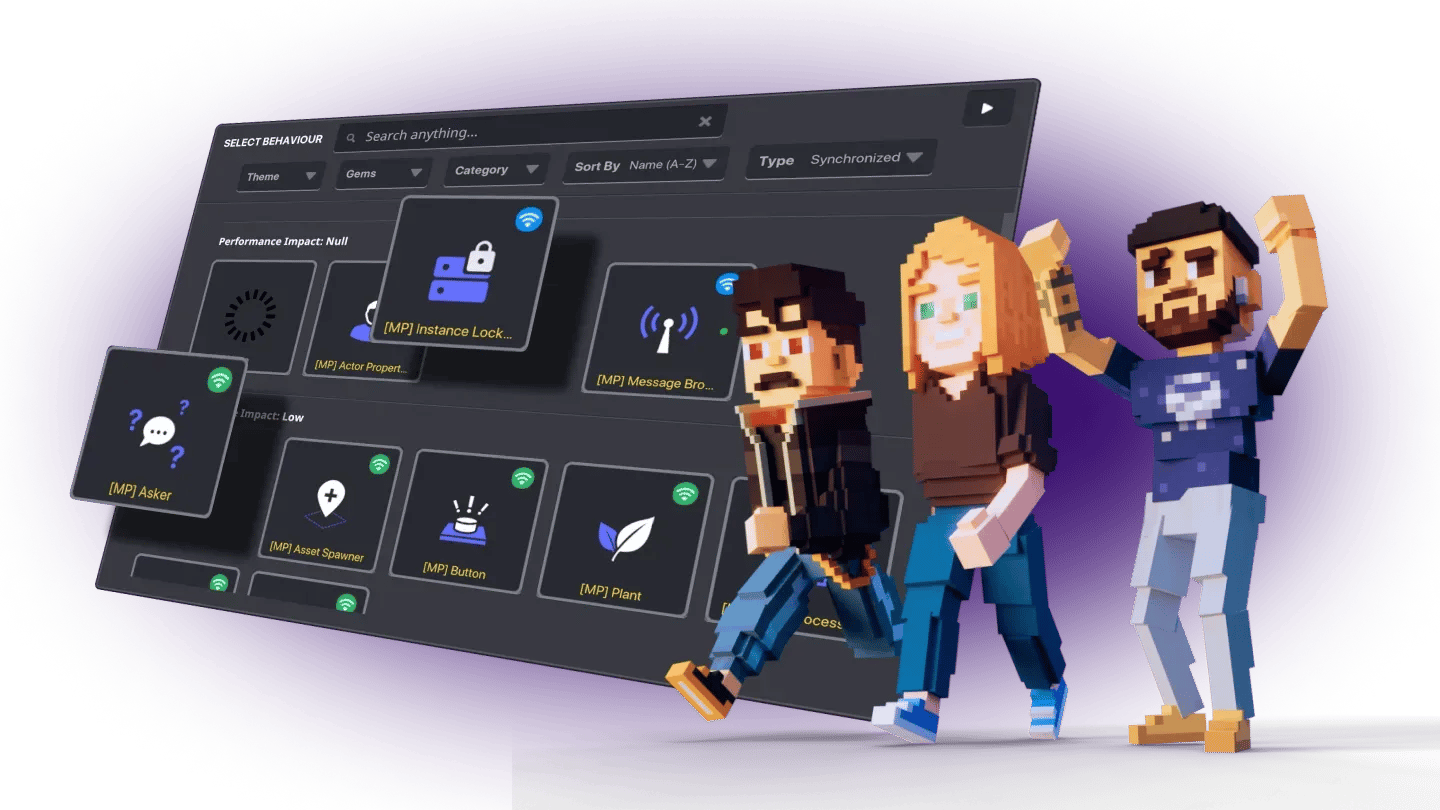
Synchronized [MP] supports synchronization that controls and changes the position or state of objects and the environment for everyone. They are triggerable by ALL players, and they will change for ALL player.
Some behaviours are only available as MP.
Client-only
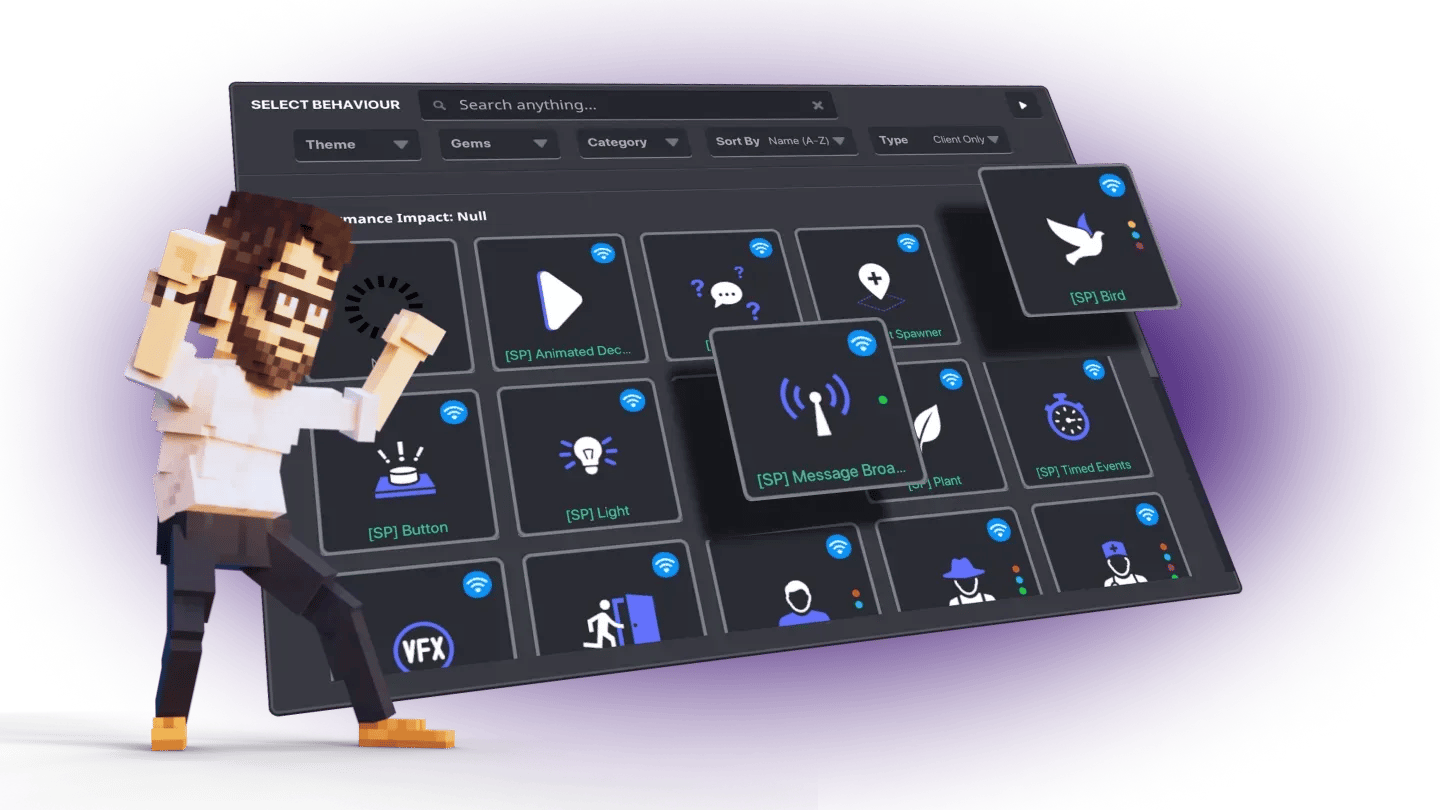
Client Only [SP] work locally, meaning changes to the experience will only occur for an individual player, even in a multiplayer experience.
Quests created in the Objectives tab aren’t multiplayer and can only be triggered by ‘Client Only’ messages and completed by individual players.
Performance
[MP] behaviours/components used in multiplayer experiences consume bandwidth and affect general gameplay performance. There are four groups of BEH/COMP according to bandwidth consumption: high, medium, low and null (all SP)
Below you can find a list of all high and medium behaviours and components, along with a maximum amount for each considering those are the only behaviours in the experience. Make sure to combine them taking this into account.
✴️ The following lists are also available inside the Game Maker if you hover over a behaviour or component while choosing them.
| Beh/Comp | Max Amount |
|---|---|
| [MP] Advanced Platform | 11 |
| [MP] Avatar Checkpoint | 80 |
| [MP] Basic Platform | 51 |
| [MP] Curio | 38 |
| [MP] Health | 80 |
| [MP] NFT Image Display | 61 |
| [MP] Pickable | 71 |
| Beh/Comp | Max Amount |
|---|---|
| [MP] Animated Decoration | 151 |
| [MP] Bird | 51 |
| [MP] Door | 38 |
| [MP] Speaker | 80 |
| [MP] NFT Image Display | 61 |
| [MP] Pickable | 71 |
Check out the full list in The Sandbox’s Gitbook.
Design suggestions
- Check your experience regularly using the Gallery, especially if you are building a multiplayer experience.
- Avoid heavy dressing before trying your experience in the Game Client. For reference, after reaching 850 assets in a 1x1 you should start checking performance.
- Use SP behaviours to decorate. This will avoid unnecesary performance issues.


Copyright © 2012-2026 The Sandbox. All Rights Reserved

Subsidiary of

